



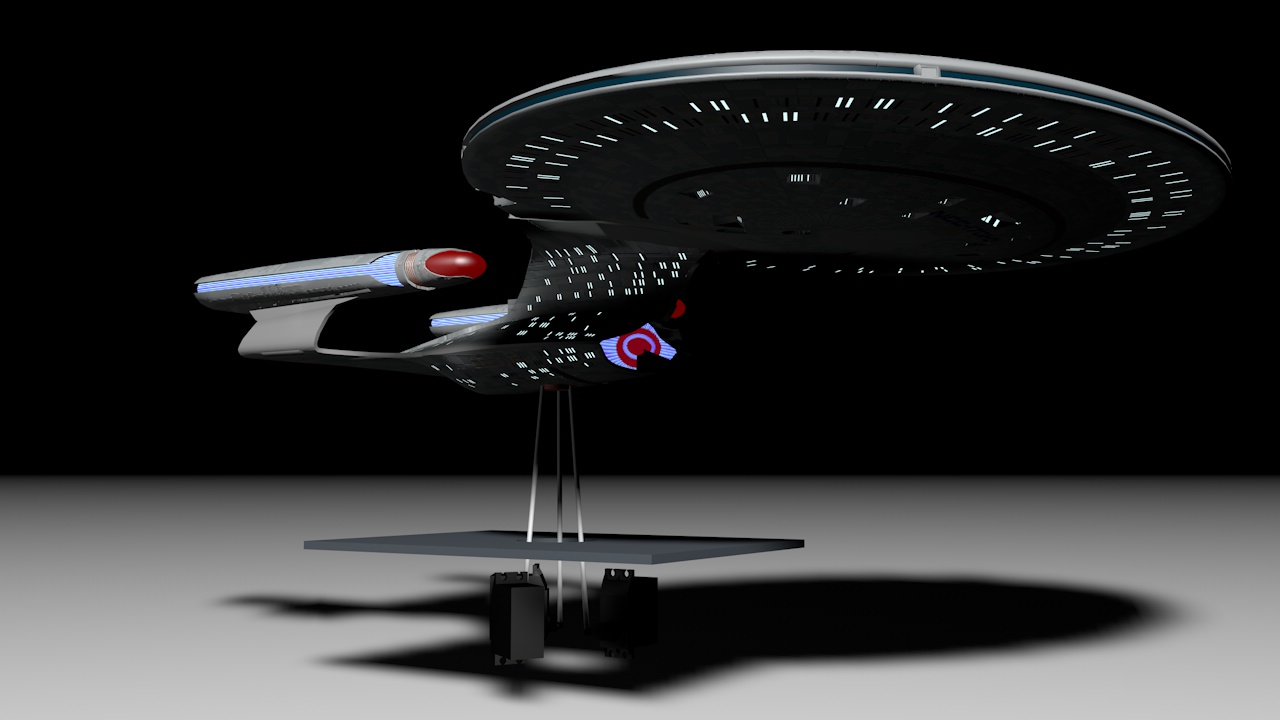
This is a project for every StarTrek fan.
Overview
| Step 1. 3D-Modelling | Create a 3D-Model to print it out |
| Step 2. Cutting and holes | Cutting and making holes for better assembling and inserting of electronics |
| Step 3. Printing 3D-Parts | Print out the 3D-Parts |
| Step 4. Painting / Texturing | Painting and texturing the printed 3D-Parts |
| Step 5. Windows and lights | The light setup and transparency parts |
| Step 6. Movement Conception | How do I make the movement |
| Step 7. Schematic and layout | Creating the schematic and PCB layout |
| Step 8. Electronic | Assembling the electronic parts |
| Step 9. Programming | Develope the µC-Software and tests |
| Step 10. Assembling | Assembling all together |
| Step 11. The Game | Programming the Game |
| Step 12. Play | Play and enjoi it |
1. 3D-Model
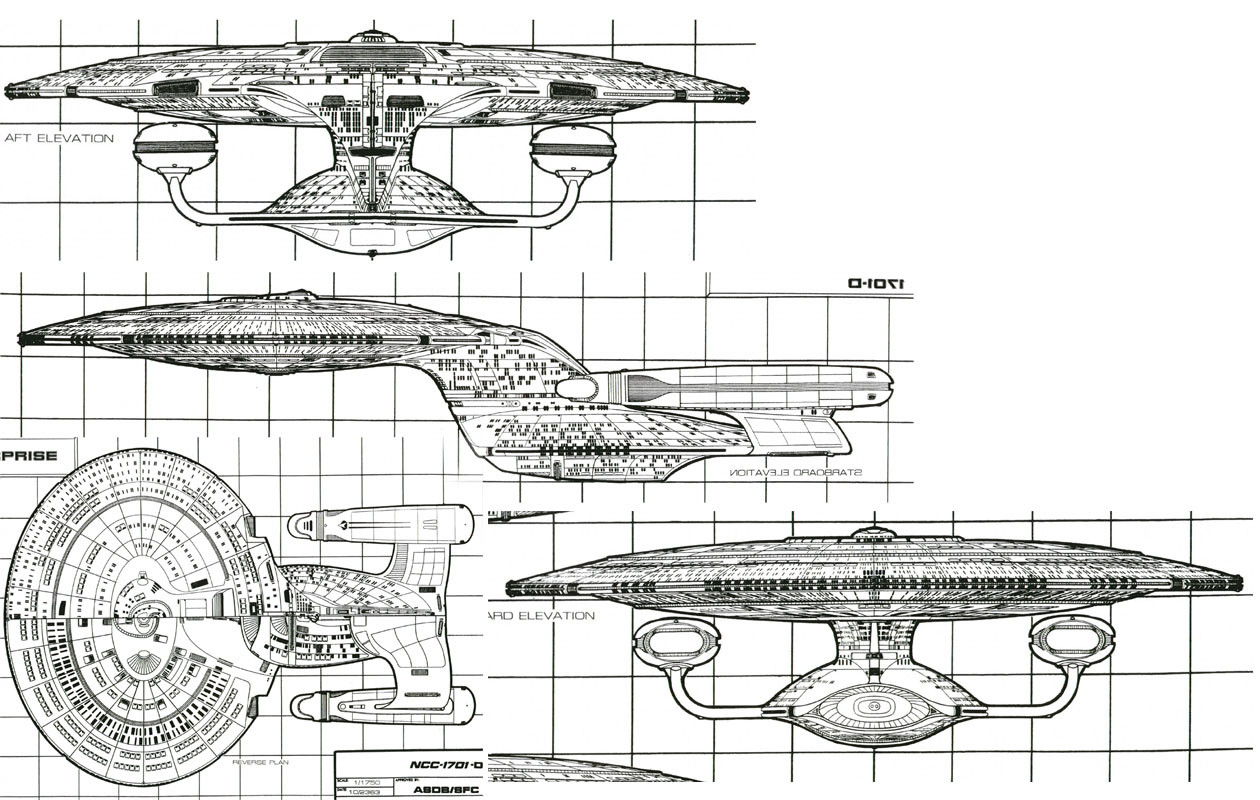
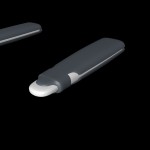
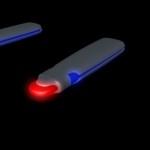
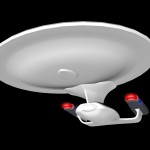
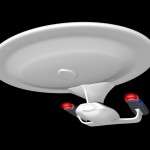
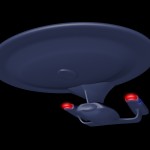
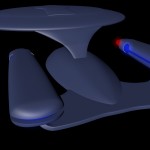
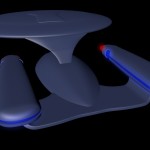
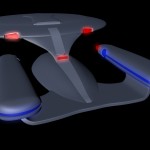
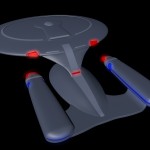
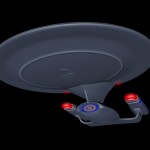
I have made the 3D-Model with a 3D-Studio. Here I show you the construction line of the processing.

2. Cutting and holes
aa
3. Printing 3D-Parts
aa
4. Painting / Texturing
aa
5. Windows and lights
aa
6. Movement Conception
aa
7. Schematic and layout
aa
8. Electronic
aa
9. Programming
aa
10. Assembling
aa
11. The Game
The game i made with Unity3D. A game development environment.
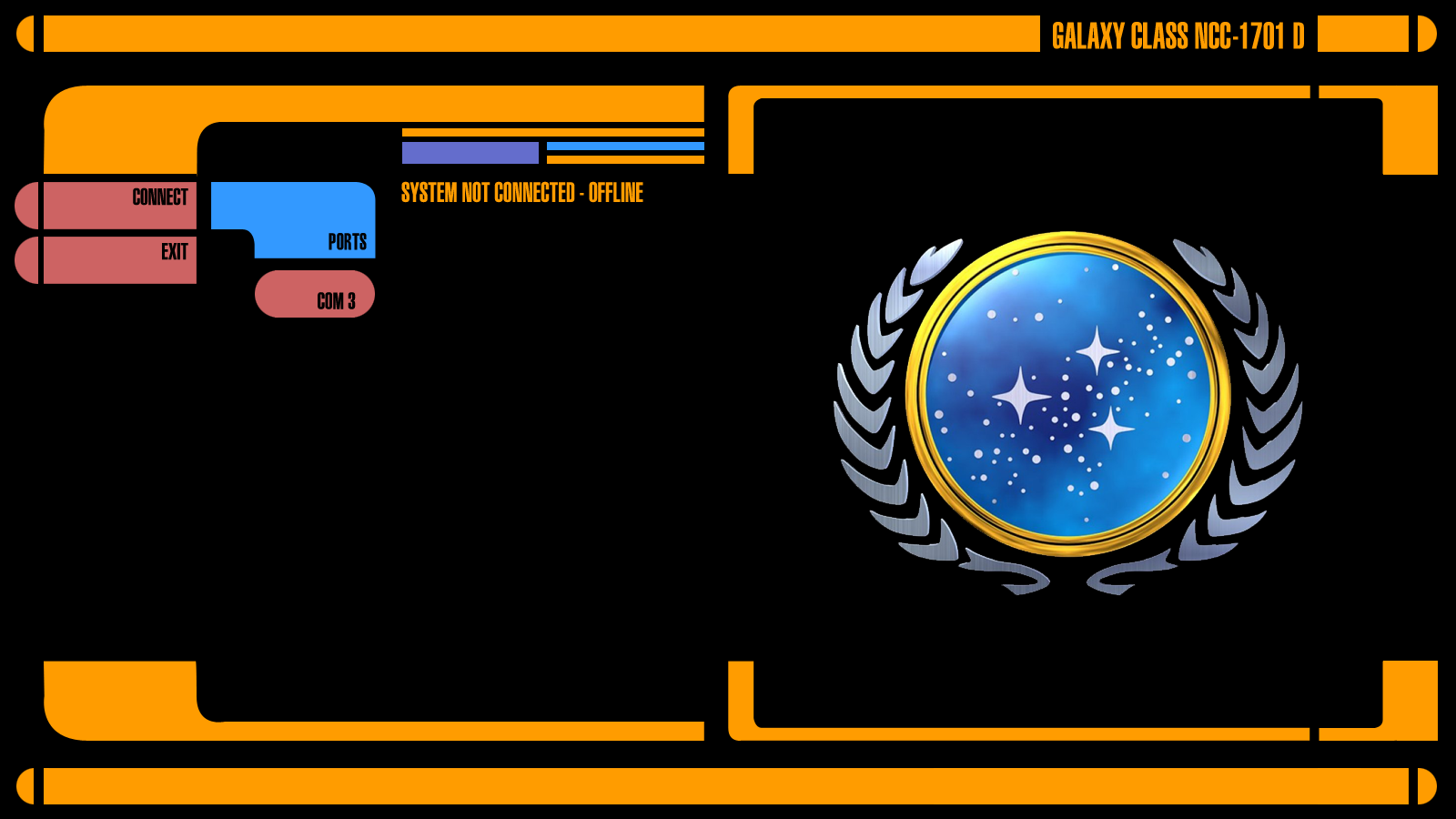
11.1. LCARS Terminals
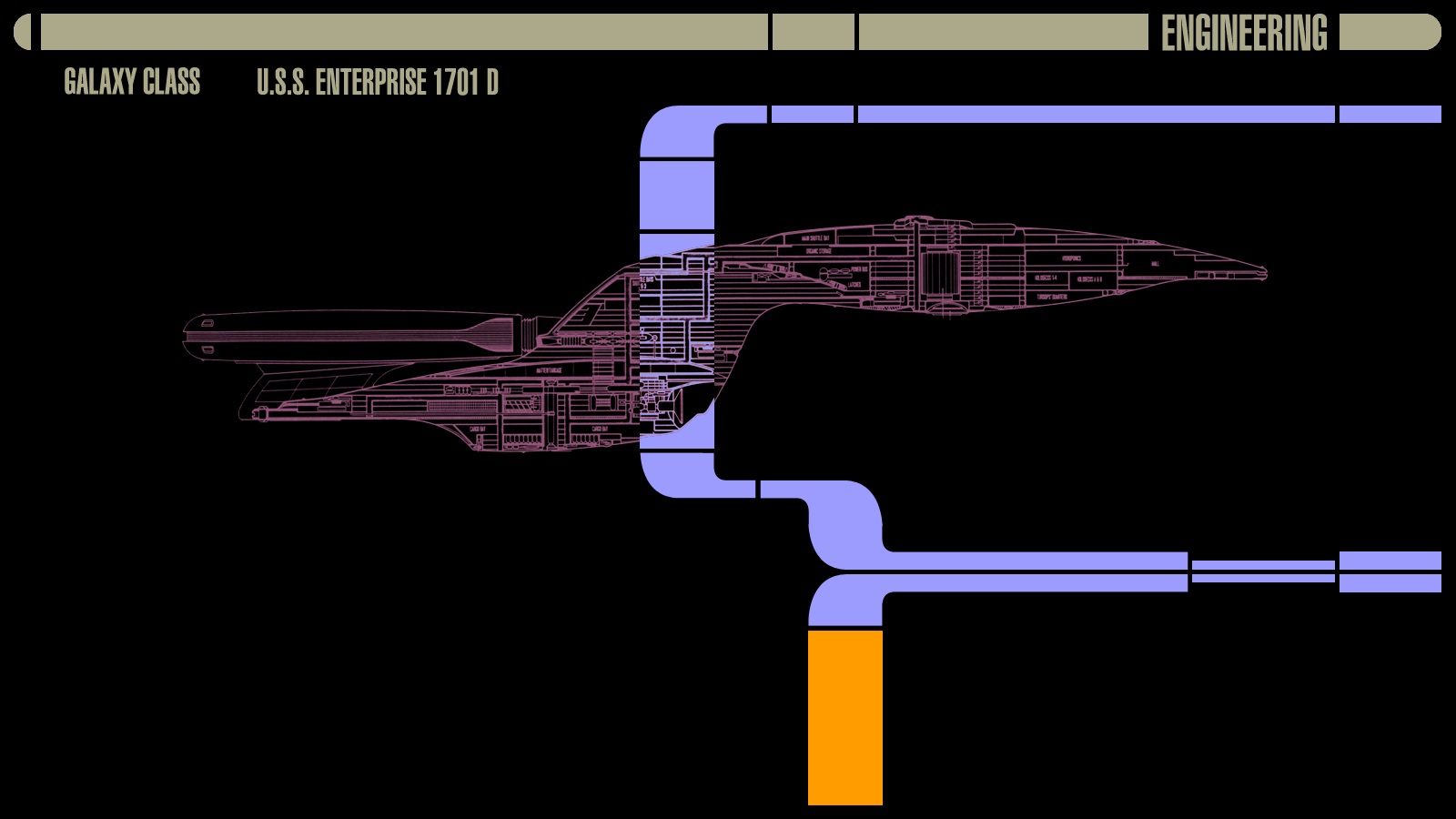
LCARS (Library Computer Access/Retrieval System) is the operating system in Star Trek. In our real world is LCARS used to describe the style of the computer displays.
11.1.1. Start Terminal
11.1.2. Main System Terminal
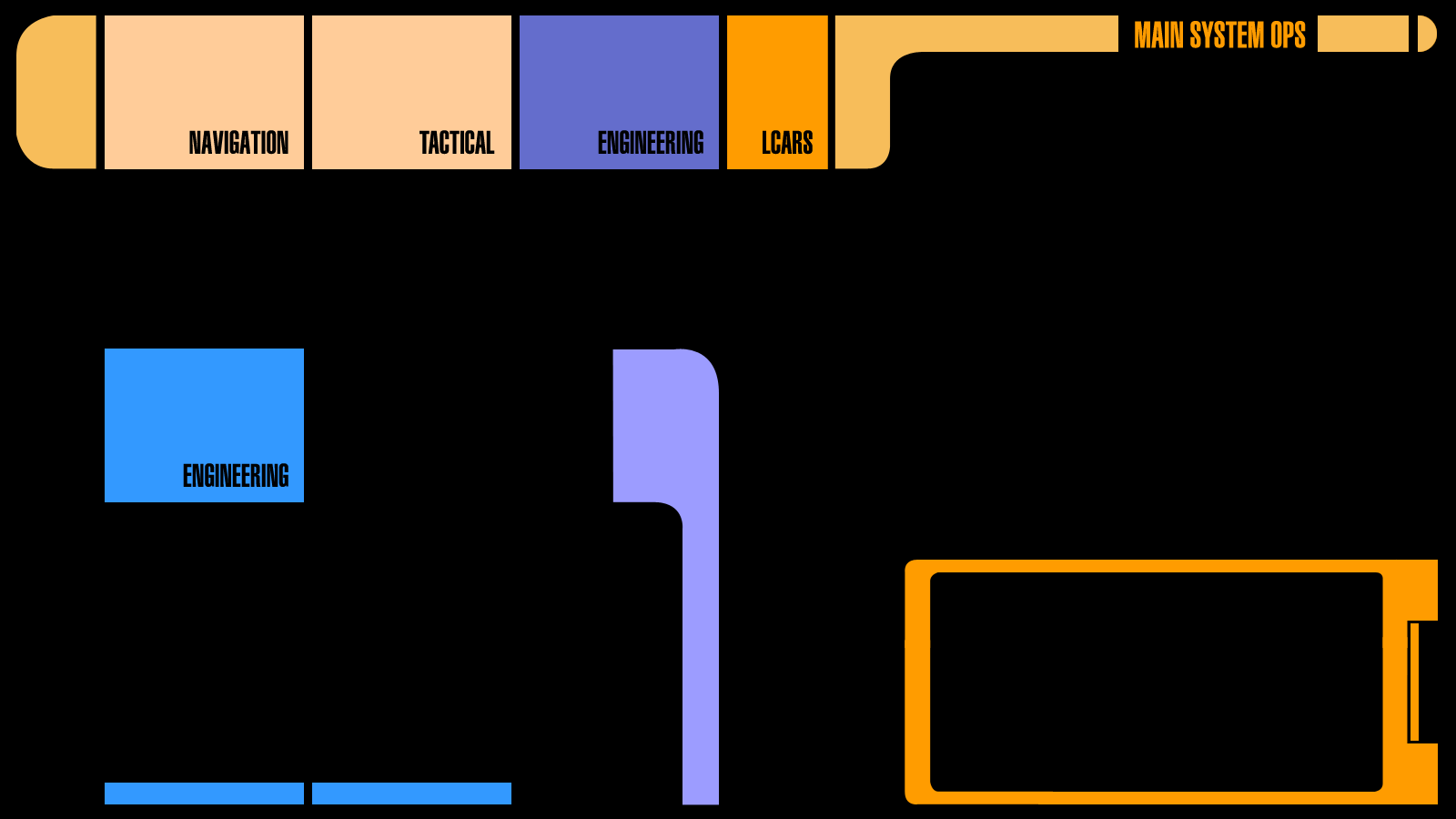
11.1.3. Engineering System
12. Play
aa